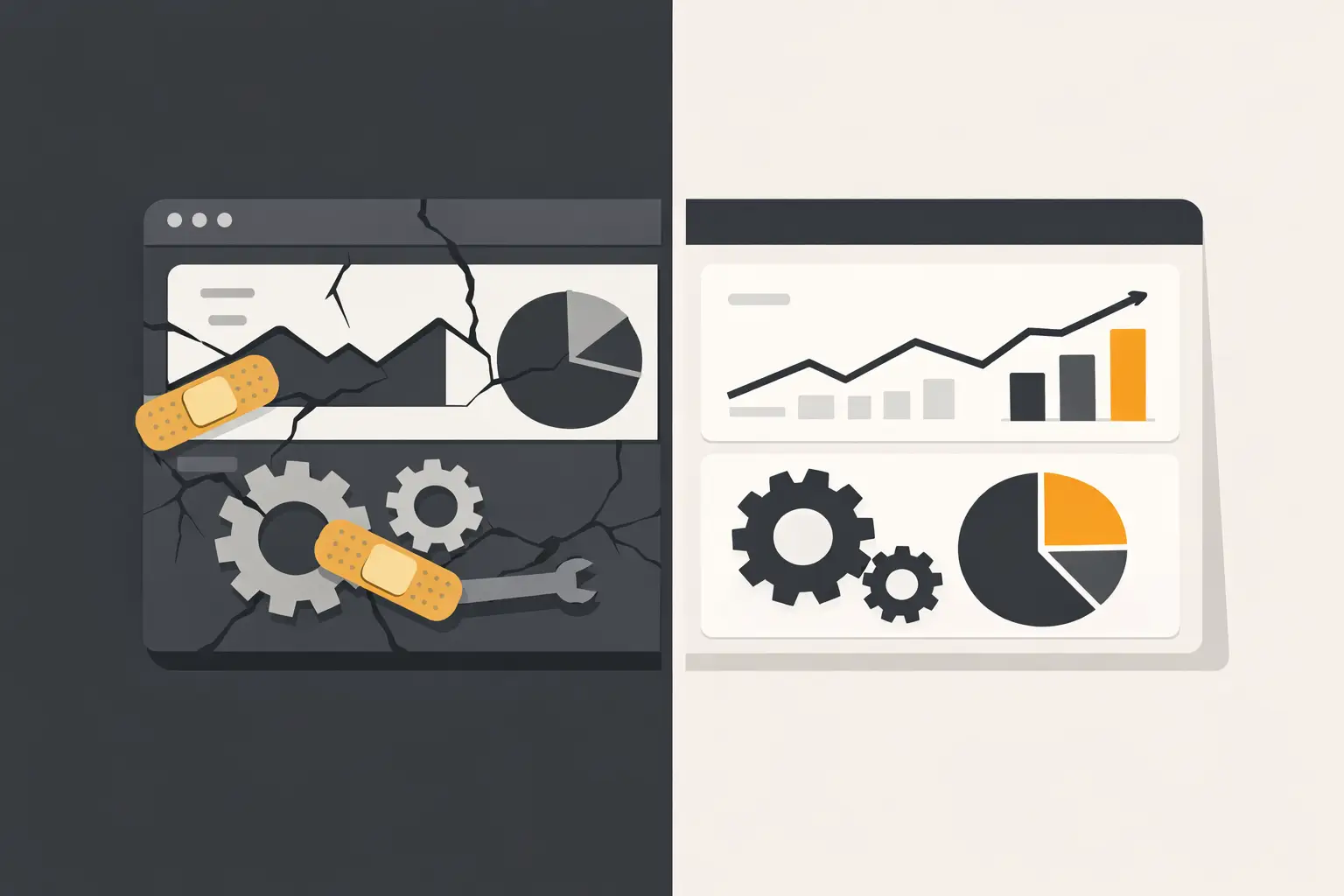
A spreadsheet with hidden formulas, a PHP admin panel no one wants to touch, and three manual exports every Friday may still get the job done. That does not mean the system is healthy. Knowing when to rebuild internal tools is less about whether the current application looks old and more about whether it is creating operational risk, unnecessary labor, or a barrier to growth.
Many businesses delay the decision because replacement sounds expensive and disruptive. Sometimes that caution is justified. A targeted fix, a database cleanup, or a small integration can extend a useful tool for years. But when patching becomes the default response to every new requirement, the business is often paying for a rebuild anyway - just in unpredictable installments.
Start With the Cost of Keeping the Current Tool
Internal software is rarely judged by the same standard as a public website. Employees learn workarounds. A manager maintains a separate spreadsheet. One experienced person knows which buttons not to click. Those adaptations hide the real cost of a weak system.
Look beyond the development budget. Measure the time spent on duplicate entry, data correction, manual reporting, approval follow-ups, and support requests. Also consider the cost of decisions made from stale or incomplete information. If an operations team spends hours reconciling inventory, orders, leads, or service records before it can act, the tool is not merely inconvenient. It is affecting throughput.
A rebuild becomes easier to justify when the recurring cost is visible. For example, a portal that saves five employees 30 minutes a day returns more value than one that simply gives the interface a cleaner appearance. The strongest business case ties the replacement to a specific workflow: faster quoting, fewer fulfillment errors, cleaner customer records, more reliable commission reporting, or less time spent moving data between systems.
Signs It Is Time to Rebuild Internal Tools
No single symptom automatically requires a full replacement. The decision depends on the tool's role, its technical condition, and the impact of failure. Still, several signs usually point in the same direction.
The codebase cannot be changed safely
Older PHP applications are not automatically a problem. A well-structured application running on a supported PHP version and backed by a sensible MySQL schema can remain dependable for a long time. Age matters when it has produced unsupported dependencies, unclear ownership, missing source control, direct production edits, or code that no developer can modify without causing regressions.
If every request requires extensive testing because no one understands the side effects, the system has become expensive to maintain. If security fixes require changes that the existing framework or PHP version cannot support, replacement may be the responsible option rather than another temporary patch.
The workflow has outgrown the original design
Many internal tools begin as a simple solution for a small team. A basic order tracker, customer database, or operations dashboard can work well at first. Problems appear when the business adds locations, product lines, approval steps, user roles, or integrations that were never part of the original model.
A common warning sign is when the software forces the team to work around it instead of supporting the actual process. Employees export data to manipulate it elsewhere, create shared inbox rules to compensate for missing status notifications, or maintain side systems because the source of truth cannot represent the required information. Those are design limits, not training issues.
Data quality is unreliable
Internal tools often become the center of operational data. If customer records, pricing, inventory, fulfillment status, or financial data are inaccurate, every downstream process suffers.
Rebuild conversations should start when duplicate records are routine, validation is inconsistent, reporting requires manual reconciliation, or the database structure cannot clearly define what a record means. Sometimes a data migration and cleanup can stabilize an existing system. Other times, poor data is evidence that the application needs a better model, clearer permissions, and defined lifecycle rules.
Integrations are now held together by manual work
A business may need its internal system to exchange information with Shopify, BigCommerce, WordPress, a CRM, accounting software, shipping systems, or GoHighLevel. If staff members are downloading CSV files, copying fields between platforms, or repairing failed syncs without alerts, the current tool is likely missing a core capability.
Do not rebuild simply because an API is available. First determine whether a targeted integration can solve the problem. Rebuild when the current application's architecture cannot reliably support the needed data flow, error handling, authentication, and audit trail.
Performance or access problems affect daily operations
Slow pages are frustrating. A system that locks records, times out during busy periods, or prevents remote teams from completing work is a business problem. The same applies when user access has become too broad because the tool cannot support role-based permissions.
Before approving a rebuild, identify the source of the issue. Database indexes, inefficient queries, server sizing, caching, or a specific report may be responsible. Performance tuning can be a high-value fix. But if the application was never designed for current transaction volume or user roles, tuning may only postpone a larger redesign.
When a Rebuild Is the Wrong Answer
A rebuild is not a reset button. It introduces requirements work, migration risk, user training, and a period where old and new processes may overlap. Replacing a stable tool because it looks dated is usually poor use of budget.
Keep and improve the existing system when the core workflow still fits, the code can be maintained safely, and the problem is limited to a few well-defined areas. A focused project may add an API integration, modernize authentication, improve reporting, upgrade PHP, or replace a slow administrative screen without forcing the organization through a full replacement.
Off-the-shelf software also deserves consideration. If the process is standard and does not create a competitive advantage, a proven SaaS platform may cost less than custom development. The trade-off is usually less control over workflows, data structure, integrations, and long-term pricing. Custom software makes the most sense where the business has real operational requirements that generic products cannot support cleanly.
How to Decide Before Committing Budget
The practical decision is not "old versus new." It is whether a rebuild produces a better return than continued maintenance. Start by documenting the current workflow from intake to completion. Include the people involved, systems touched, manual steps, exceptions, reports, and points where information is lost or delayed.
Then separate symptoms from causes. A slow dashboard may be a query problem. Incorrect reports may come from inconsistent input rules. A team that avoids the tool may be dealing with a poor interface, missing permissions, or a workflow that no longer matches the business. Without this step, a rebuild can reproduce the same problems in a newer stack.
Estimate the operational cost in concrete terms. Count hours spent each week on manual tasks and error correction. Identify revenue delays, compliance exposure, customer-impacting mistakes, and risks tied to a single employee's knowledge. This creates a baseline for deciding what the new system must improve.
Finally, define the smallest useful first release. A successful rebuild does not need to replicate every historical screen or edge case on day one. It needs to establish reliable data, support the critical workflow, provide the right roles and reporting, and integrate with the systems that matter. Lower-priority features can follow after users validate the new process.
Build the Replacement Around Operations, Not Screens
A rebuild should begin with data and process design, not mockups. Identify the authoritative source for each type of information. Define who can create, edit, approve, and close records. Decide what needs to be logged for accountability. These choices determine whether the new system will remain usable as the business changes.
For many organizations, a custom PHP and MySQL application remains a practical foundation. It can provide a controlled internal portal, clear database ownership, and integrations tailored to established tools without adding unnecessary platform complexity. The right architecture depends on the team, hosting requirements, security needs, and expected growth, not on the newest framework in the market.
Migration deserves the same attention as development. Clean the data before moving it, map old fields to new ones, test representative records, and decide what historical information truly needs to remain accessible. A phased rollout is often safer than a single cutover, especially for finance, fulfillment, or customer-facing operations.
The best time to rebuild is before the existing tool becomes a daily emergency. If the current system is consuming staff time, weakening data quality, or preventing the business from running the workflow it actually needs, treat replacement as an operational investment. Build only what the business can support and measure, then give the team a system that makes correct work easier than workarounds.
Frequently Asked Questions
- No single symptom requires a full rebuild — it depends on the tool's role and the impact of failure. But recurring warning signs include a codebase that can't be changed safely, a workflow that has outgrown the original design, unreliable data quality, manual work holding integrations together, and performance problems affecting daily operations.
- Unsupported dependencies, unclear code ownership, missing source control, direct production edits, or code that no developer can modify without causing regressions. If every change requires extensive testing because no one understands the side effects, the system has become expensive to maintain.
- Look beyond the development budget — measure time spent on duplicate data entry, manual reporting, error correction, and support requests. A portal that saves five employees 30 minutes a day returns more value than one that just looks cleaner. Tie the case for replacement to a specific workflow improvement.
- Not automatically. First determine whether a targeted integration can solve the problem. Rebuild only when the current architecture can't reliably support the needed data flow, error handling, authentication, and audit trail — not simply because an API happens to be available.
- Often, yes. Slow pages might stem from missing database indexes, inefficient queries, server sizing, or caching — all fixable without a rebuild. But if the application was never designed for current transaction volume or user roles, tuning may only delay a larger redesign.
- When the core workflow still fits, the code can be maintained safely, and problems are limited to a few well-defined areas. Replacing a stable tool just because it looks dated is a poor use of budget — a focused project (like adding an integration or upgrading PHP) may solve it instead.
- No. If the process is standard and doesn't create a competitive advantage, a proven SaaS platform may cost less than custom development. Custom software makes the most sense when the business has real operational requirements that generic products can't support cleanly.
- It doesn't need to replicate every historical screen or edge case. It needs reliable data, support for the critical workflow, the right user roles and reporting, and integration with the systems that matter most. Lower-priority features can follow once users validate the new process.


