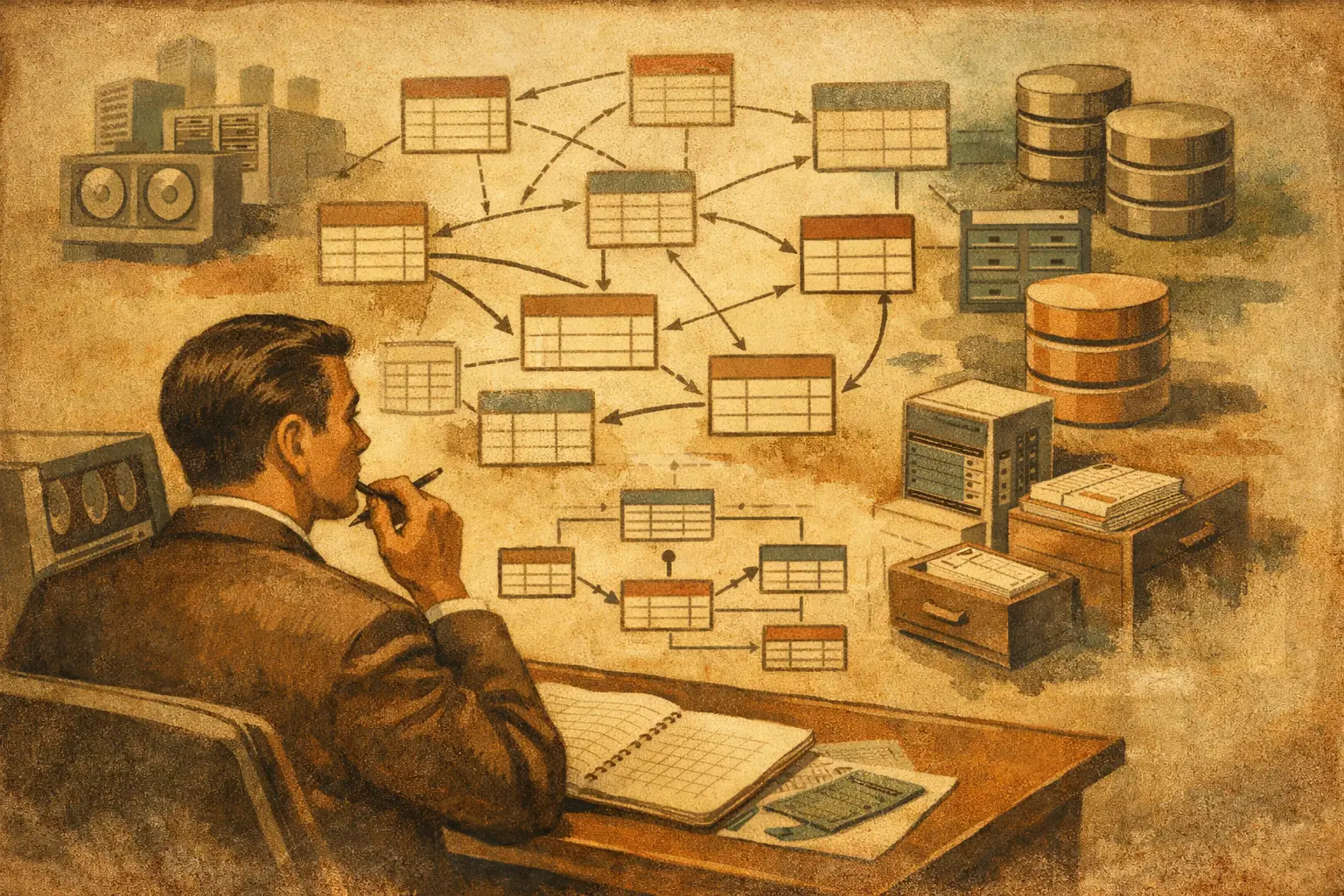
A customer portal can appear simple on screen: a login, an account page, a list of orders, and a support form. Behind it, the database must correctly answer harder questions. Which customer placed which order? Can an order exist without a customer? What happens when a product is retired? The answer starts with understanding what is MySQL database schema and treating it as an engineering decision, not an afterthought.
A MySQL schema is the structured definition of how an application stores, organizes, and protects its data. It includes the tables that hold records, the columns within those tables, the data types assigned to each column, and the rules that define how records relate to one another. In MySQL, the term schema is often used interchangeably with database, but in practical development the schema also refers to the design inside that database.
For a business application, this design determines whether reporting is trustworthy, integrations remain manageable, and future changes can be made without damaging production data. A clean schema does not make a weak application successful by itself, but a poorly designed one can create ongoing cost, slow development, and unreliable operations.
What Is a MySQL Database Schema Made Of?
Think of a schema as the blueprint for the data layer of a system. A construction blueprint defines rooms, doors, utilities, and load-bearing structures. A database schema defines the approved shape of business data and the rules that keep it usable.
At its most basic level, a schema contains tables. A table represents one category of information, such as customers, orders, products, employees, appointments, or support tickets. Each row is one record. Each column is one attribute of that record.
An orders table, for example, might include an order ID, customer ID, order status, total amount, currency, and creation date. The schema specifies whether the order ID is generated automatically, whether a customer ID is mandatory, whether the total can be negative, and how dates are stored.
The major schema components work together:
- Tables organize distinct types of records.
- Columns and data types define what each field can store, such as
VARCHAR,INT,DECIMAL,DATE, orJSON. - Primary keys provide a unique identifier for each row.
- Foreign keys connect related records across tables.
- Indexes improve the speed of common searches, joins, and sorting operations.
- Constraints enforce rules, such as required values, uniqueness, and permitted relationships.
- Views, procedures, and triggers can provide controlled access patterns or automate specific database actions when they are justified.
Not every system needs every feature. A small internal tool may not require stored procedures or triggers. A high-volume commerce system may need carefully planned indexes and stricter relationship rules. The right schema reflects the application’s actual workload and business rules.
Tables Should Match Business Concepts, Not Screens
A common mistake is designing tables around the first version of a user interface. For example, a registration form may collect a name, email, company, phone number, billing address, and shipping address. Putting all of that information into one oversized users table can seem efficient at first.
It becomes limiting when one company has multiple users, one customer has several saved addresses, or a billing contact differs from a shipping contact. These are not edge cases in many business systems. They are normal operating conditions that the data model should support.
A more durable design separates related concepts. The application might use companies, users, addresses, orders, and order_items tables. Each table has a focused responsibility, while keys establish the needed connections.
This approach is often called normalization. Its purpose is to avoid storing the same fact repeatedly and to reduce contradictions. If a company’s legal name changes, it should generally be updated once in the appropriate company record, not in every order, contact, and invoice row.
Normalization has trade-offs. Highly normalized schemas can require more joins, which may complicate reporting or slow poorly planned queries. Some systems intentionally duplicate limited, historical data. An invoice, for instance, may preserve the customer name and address used at the time of purchase, even if the current customer profile changes later. That is not careless duplication. It is a business requirement.
Keys and Relationships Protect Data Integrity
A primary key uniquely identifies a row. In MySQL, this is commonly an integer or bigint column such as id, often generated automatically. It can also be a UUID when records must be created across distributed systems or exposed externally without predictable sequential IDs.
The key choice depends on the application. Auto-incrementing numeric IDs are simple, compact, and efficient for many PHP and MySQL applications. UUIDs provide useful properties in certain integration-heavy or distributed environments, but they have storage and indexing implications. There is no universal winner.
Foreign keys define relationships. If orders.customer_id points to customers.id, the database can enforce that every order belongs to a valid customer. This prevents orphaned records that refer to data that does not exist.
Relationships usually fall into three patterns. A one-to-one relationship is less common, such as a user with one separate user preference record. A one-to-many relationship is common: one customer can have many orders. A many-to-many relationship requires a joining table. For example, users and roles may connect through a user_roles table because one user can hold several roles and one role can belong to many users.
Foreign key constraints require deliberate operational choices. If a customer is deleted, should their orders be deleted too, blocked from deletion, or retained with a historical reference? For financial, operational, and audit data, deletion is often the wrong answer. Many systems use status fields, archive dates, or soft deletion patterns instead.
Data Types Are Business Rules in Technical Form
Choosing data types is not merely a storage decision. It tells the database what kind of value a field represents and what operations should be permitted.
Currency should normally use DECIMAL, not floating-point types such as FLOAT or DOUBLE. Floating-point rounding behavior can produce inaccurate totals. A quantity might use an integer or decimal depending on whether fractional units are valid. A status might use a constrained string, a lookup table, or an ENUM, depending on how often the list changes and how much flexibility the business needs.
Dates deserve equal care. Store timestamps consistently, commonly in UTC, then convert them for display based on the user or organization’s time zone. This matters for order cutoffs, appointments, subscriptions, automation schedules, and audit trails. A date field that works during local testing can create costly confusion when users operate across time zones.
Column lengths should also reflect real requirements. An email address should not be limited to an arbitrary short length. Product descriptions should not be forced into a field intended for a short label. At the same time, using unrestricted text fields everywhere makes validation and indexing less predictable.
Indexes Make Common Work Fast, but Not Free
Indexes are data structures MySQL uses to locate records efficiently. Without an appropriate index, a query that searches a large orders table by customer ID may need to inspect far more rows than necessary. As records grow, that cost becomes visible in slow pages, delayed reports, and timeouts in background processes.
Indexes are especially useful for columns frequently used in WHERE clauses, joins, sorting, and selective filtering. An order management screen might need indexes on customer_id, status, and created_at. A composite index may help when the application regularly filters by a combination such as status and creation date.
More indexes are not automatically better. Each index consumes storage and adds work when rows are inserted, updated, or deleted. The right practice is to index proven access patterns, review slow queries, and make changes based on real usage. Building indexes around imagined future queries often creates unnecessary overhead.
Schema Design Needs a Change Process
A schema is not fixed forever. Businesses add fulfillment methods, revise pricing, introduce new customer segments, connect external systems, and change approval workflows. The problem is not change. The problem is unplanned change performed directly against live data.
Production schema changes should be managed through versioned migration scripts. A migration documents what changed and allows environments to be updated in a controlled sequence. The same schema change can then move from development to staging and production with less guesswork.
A safe change process considers existing data and application compatibility. Adding a nullable column is usually low risk. Renaming a column used by a legacy PHP application can break critical pages immediately. Splitting one table into several may require a staged rollout in which the application temporarily reads old and new structures.
Backups matter, but they are not a substitute for planning. Before a meaningful migration, teams should understand how to verify the result, how long the change may lock a table, and how they will recover if the deployment fails. On large datasets, an apparently simple alteration can have real operational consequences.
Common MySQL Schema Problems in Business Applications
Many legacy systems carry schema decisions that were acceptable at launch but costly years later. One frequent issue is storing comma-separated values in a single column, such as a list of product IDs or user permissions. This makes searching, validating, joining, and updating data difficult. A related table is usually the correct design.
Another issue is relying only on application code to enforce rules. PHP validation is necessary because it provides a useful user experience, but database constraints protect data when imports, scripts, admin tools, or integrations write directly to MySQL. Important rules should not exist in only one layer.
Generic tables can also become a problem. A table with columns named field_1, field_2, and field_3, or a large key-value structure used for every business object, may offer early flexibility but can make reporting and maintenance far harder. Flexible fields have valid uses, especially for limited metadata, but core operational data benefits from explicit structure.
Finally, teams sometimes confuse an export with a schema. A CSV file may contain the current data, but it does not fully preserve keys, constraints, indexes, defaults, relationships, or database behavior. A usable backup and deployment process must account for both data and structure.
A Practical Standard for New Development
Before building tables, define the business events the system must record and the questions it must answer. For an operations portal, that may include who submitted a request, who approved it, when its status changed, what work was performed, and which team owns the next action.
Then identify the entities, relationships, required fields, historical records, retention requirements, and high-frequency reports. This creates a schema that supports the workflow rather than merely storing form submissions.
For custom PHP applications, WordPress extensions, e-commerce integrations, and internal tools, the database should remain understandable to the next engineer who supports it. Clear table names, consistent key conventions, documented migrations, targeted indexes, and enforceable rules are practical investments. LAMPProgramming approaches MySQL work this way because maintainability is part of the delivered system, not an optional cleanup phase.
A schema is where everyday business rules become durable technical rules. Get those rules clear before the application grows, and future features become engineering work instead of data repair.
Frequently Asked Questions
- It's the structured definition of how an application stores, organizes, and protects data — including tables, columns, data types, primary and foreign keys, indexes, and constraints. In MySQL, "schema" is often used interchangeably with "database," but it also refers to the design within that database.
- A: Because forms capture a single moment, while business data has ongoing complexity — one company may have multiple users, one customer may have several addresses. Designing tables around business concepts (companies, users, addresses) rather than a form prevents the schema from becoming limiting as normal operating conditions emerge.
- Normalization means storing each fact once to avoid contradictions — if a company's name changes, it's updated in one place, not across every order and invoice. The trade-off is more joins, which can complicate reporting. Some duplication is intentional, though — like an invoice preserving the customer's name and address at the time of purchase.
- It depends on the application. Auto-incrementing integers are simple, compact, and efficient for most PHP/MySQL applications. UUIDs are useful in distributed or integration-heavy environments but carry storage and indexing trade-offs. Neither is universally correct.
- That's a deliberate architectural decision, not a default. For financial, operational, or audit data, deletion is often the wrong choice — many systems use status fields, archive dates, or soft deletion instead of removing related records outright.
- Data types encode business rules. Currency should use DECIMAL, not FLOAT, to avoid rounding errors. Dates should be stored consistently (commonly UTC) and converted for display, which matters for cutoffs, subscriptions, and audit trails across time zones.
- Only as many as real query patterns justify. Indexes speed up WHERE clauses, joins, and sorting, but each one adds storage and slows down inserts, updates, and deletes. Index based on proven usage and slow-query review — not imagined future queries.
- Storing comma-separated values in a single column instead of a related table, relying only on application code (not database constraints) to enforce rules, using generic key-value or field_1/field_2-style tables, and confusing a data export (like a CSV) with a full schema that preserves keys, constraints, and relationships.


