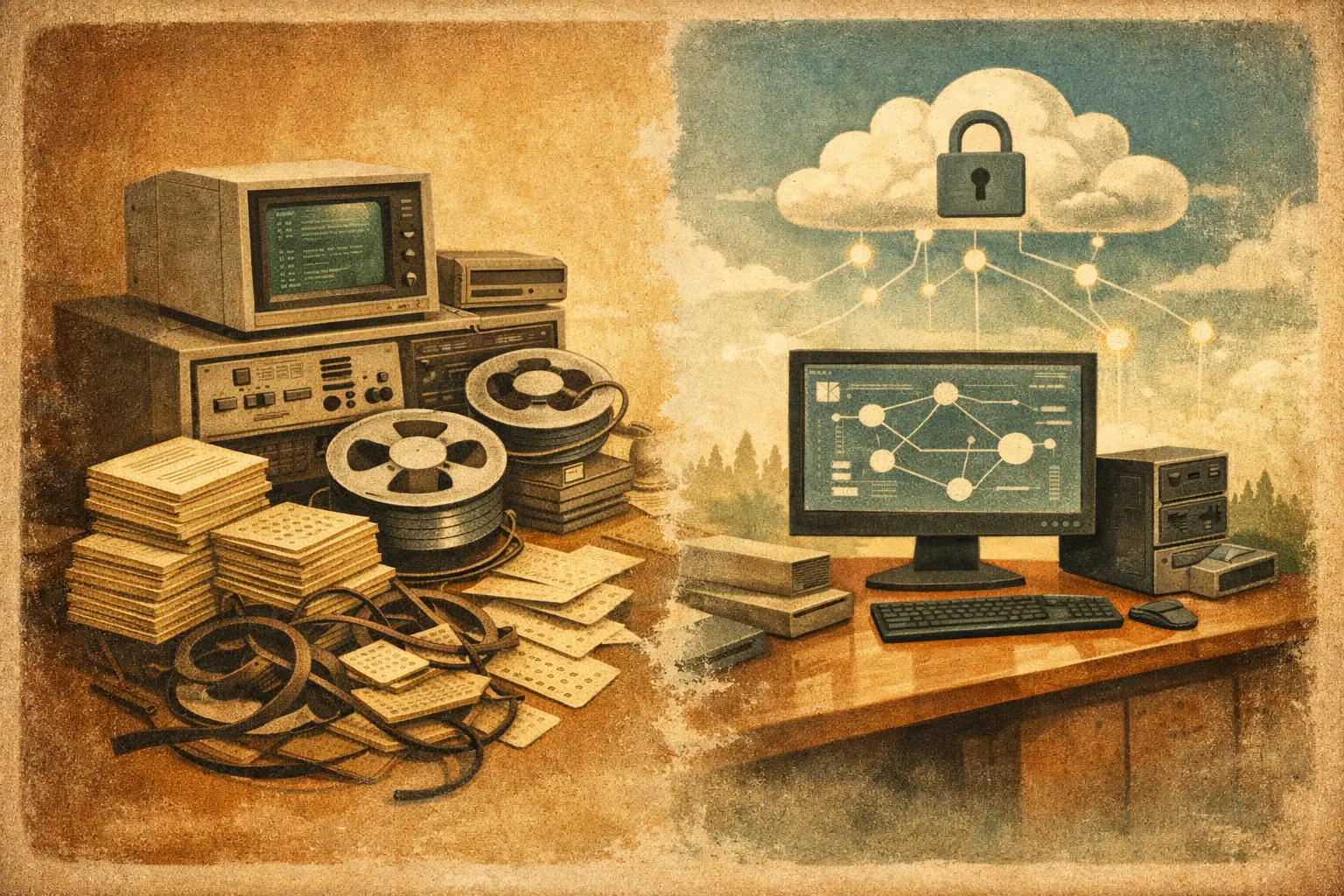
A PHP application can run a business for years without attracting much attention. Then a server upgrade fails, a payment or shipping integration changes, a security scan flags unsupported dependencies, or the one developer who understands the code is no longer available. At that point, legacy PHP system modernization is not a technology refresh project. It is an operational risk decision.
The right goal is rarely to replace every line of code or move to a fashionable stack. The goal is to make a business-critical system safer to operate, easier to change, and less dependent on fragile infrastructure without interrupting the workflows it supports.
What Makes a PHP System Truly Legacy
Old PHP is not automatically bad PHP. Many applications built on PHP 5 or early PHP 7 versions still handle real work well: order processing, internal reporting, customer portals, inventory updates, CRM functions, and custom integrations. The problem is usually the environment around the code and the cost of maintaining it.
A system becomes legacy when ordinary changes require disproportionate effort or introduce unacceptable risk. Common signs include an unsupported PHP version, an outdated Linux distribution, direct database queries scattered throughout the application, missing automated tests, manual deployments, undocumented scheduled jobs, and libraries that can no longer receive security updates.
Business symptoms matter just as much. If staff maintain critical records in spreadsheets because the application cannot be trusted, if a simple report request takes weeks, or if an integration failure requires someone to inspect server logs by hand, the system is limiting operations. Those are modernization signals even if the application has not had a major outage.
Legacy PHP System Modernization Starts With Discovery
Modernization should begin with facts, not a framework decision. Before changing code, identify what the system does, who relies on it, where its data comes from, and what can break when a component changes.
A useful technical assessment maps the application architecture, PHP version, web server configuration, database schema, cron jobs, queues, file storage, third-party APIs, authentication methods, and deployment process. It should also identify hidden dependencies, such as a reporting tool that reads directly from production tables or a nightly import that depends on a specific CSV format.
The most valuable output is a risk map. It separates high-risk areas from merely old ones. For example, a stable module that creates archived invoices may be lower priority than a customer-facing login flow using weak password handling. A large block of procedural code may be inconvenient, but an unsupported payment API or exposed administrative endpoint is more urgent.
This discovery phase also prevents a common mistake: treating the database as an implementation detail. In many mature PHP systems, the database has become the real integration layer. Multiple tools, exports, and manual processes may depend on table structures that nobody documented. Changing schemas without understanding those dependencies can cause more disruption than rewriting application code.
Choose the Scope Based on Business Risk
There are three practical modernization paths. The right one depends on the system's condition, the available budget, and how central the application is to daily work.
Upgrade in place
An in-place upgrade keeps the existing application structure and focuses on compatibility. The work may include moving to a supported PHP version, updating extensions and libraries, correcting deprecated functions, improving error handling, and moving the application to a supported server environment.
This approach is usually the fastest way to reduce infrastructure and security exposure. It works well when the system's business logic is sound, the codebase is understandable, and the organization needs stability more than new features. Its limitation is that it does not solve every design issue. Deeply coupled code and manual workflows may remain after the upgrade.
Modernize incrementally
Incremental modernization improves the system in controlled stages. A team might first stabilize hosting and deployment, then isolate database access, replace a brittle API integration, build test coverage around critical workflows, and gradually move specific modules into a modern application structure.
For many small and mid-sized businesses, this is the most practical path. It spreads cost over time and keeps the application available while improvements are made. It also produces useful checkpoints: after each phase, the business can evaluate whether the next investment is justified.
The trade-off is temporary complexity. Old and new patterns may coexist for a period, so the work requires clear boundaries and discipline. Without an agreed architecture, incremental work can turn into another layer of patches.
Replace selected capabilities
Sometimes a module should be retired rather than repaired. A custom storefront may be better served by Shopify or BigCommerce. A basic content workflow may belong in WordPress. A sales follow-up process may benefit from GoHighLevel automation. The decision should be based on the capability, not an assumption that every legacy feature needs a custom rebuild.
Replacement works best when the module has clear boundaries and limited dependencies. It becomes expensive when a seemingly simple feature contains years of hidden business rules. Before moving it, document approvals, exceptions, data ownership, exports, and integration requirements. A standard platform can reduce maintenance, but only if it can support the processes that actually matter.
Modernize the Foundation Before Adding Features
A legacy application does not need to become a large, abstract enterprise system. It does need a stable baseline. Start by putting the code in version control if it is not already there, creating repeatable local and staging environments, and documenting how deployments occur.
Next, bring the runtime onto supported versions. Moving from an old PHP release to a current supported release may require changes to syntax, type handling, database drivers, session behavior, and error reporting. This work should happen in a nonproduction environment with realistic data patterns. A passing homepage is not proof that a batch process or back-office workflow will still work.
Database changes deserve the same care. Introduce migrations for schema updates, back up data before releases, and test rollback procedures. If the database contains years of inconsistent records, avoid assuming that application validation has always protected it. Data cleanup is often part of the modernization effort, especially when new constraints or integrations depend on reliable values.
Security improvements should be specific and measurable. Replace unsupported libraries, store secrets outside the codebase, enforce secure password practices, validate input, use prepared queries, and review file upload and administrative access paths. Logging should provide enough detail to diagnose failures without exposing customer data or credentials.
Protect Critical Workflows With Testing and Observability
Not every legacy system needs broad automated test coverage before work can begin. Trying to test every screen and edge case can delay urgent improvements. Instead, identify the workflows that would materially harm the business if they failed.
For an e-commerce operation, that may include checkout, order capture, tax calculation, fulfillment exports, refunds, and inventory updates. For an internal portal, it may include user access, data imports, report generation, and approval workflows. Build targeted regression tests around these paths before modifying them heavily.
Observability matters after deployment as well. Error logs, application health checks, database performance monitoring, and alerts for failed scheduled jobs turn unknown failures into visible issues. A modernized system should not depend on an employee noticing that a report was not delivered three days ago.
This is also where a staged release process pays off. Deploy lower-risk changes first, validate them against defined acceptance criteria, and keep a rollback plan. For high-impact changes, run old and new processes in parallel long enough to compare outputs. That may feel slower, but it is often cheaper than repairing incorrect orders or corrupted operational data.
Avoid the Rewrite Trap
A full rewrite can be justified when the code is unmaintainable, the architecture cannot support needed changes, or the application no longer matches the business model. But rewrites carry a predictable risk: teams rebuild visible screens while missing the small rules accumulated over years.
Those rules are often where the value lives. A special customer pricing exception, a sequence of approval steps, a custom inventory adjustment, or a particular export format may look minor until it disappears. A rewrite should be treated as a product project with discovery, specifications, acceptance testing, migration planning, and user involvement, not as a cleaner coding exercise.
In many cases, a better strategy is to stabilize the existing application, create an API or service boundary around one critical function, and replace that function only when its requirements are understood. This reduces the blast radius and allows the business to continue operating while the system improves.
Build a Modernization Plan That Can Be Funded
A useful plan connects technical work to business outcomes. Instead of presenting a vague proposal to "update the application," define phases such as removing unsupported infrastructure, securing customer data, reducing order-processing failures, replacing a failing integration, or shortening the time required to release changes.
Each phase should have a scope, a clear success condition, a testing approach, and a rollback strategy. It should also identify what will not be addressed yet. This protects the budget from uncontrolled scope growth and gives leadership a realistic basis for prioritization.
LAMPProgramming approaches legacy work this way: preserve the parts of a PHP and MySQL system that still deliver value, correct the risks that threaten operations, and make deliberate changes where custom code no longer makes financial sense. The outcome is not a newer-looking codebase. It is a system that can support the next business decision without becoming the reason that decision is delayed.
The first practical step is simple: identify the one workflow your team cannot afford to lose, then trace every application, database, scheduled task, and integration involved in it. That map will tell you where modernization needs to start.
Frequently Asked Questions
- A system becomes legacy when ordinary changes require disproportionate effort or risk — signs include an unsupported PHP version, scattered direct database queries, missing automated tests, manual deployments, and undocumented scheduled jobs. Business symptoms count too: staff maintaining spreadsheets because the app can't be trusted, or slow report requests, signal the need for modernization even without a major outage.
- With discovery, not code changes. Map the application architecture, PHP version, database schema, cron jobs, third-party APIs, and hidden dependencies — like a reporting tool reading directly from production tables. The output should be a risk map that separates genuinely high-risk areas from things that are simply old.
- Upgrading in place keeps the existing structure and focuses on compatibility (supported PHP version, updated libraries) — fastest way to reduce security exposure. Incremental modernization improves the system in controlled stages over time, which suits most small and mid-sized businesses. Replacing a capability means retiring a custom-built module in favor of a standard platform (like Shopify or WordPress) when it has clear boundaries and limited hidden business logic.
- Because in many mature PHP systems, the database has become the real integration layer — multiple tools, exports, and manual processes may depend on table structures nobody documented. Changing schemas without understanding those dependencies can cause more disruption than rewriting application code itself.
- No — trying to test every screen can delay urgent work. Instead, identify the workflows that would materially harm the business if they failed (checkout, order capture, refunds for e-commerce; access control and approvals for internal portals) and build targeted regression tests around those specific paths first.
- Rewrites often rebuild visible screens while missing small business rules accumulated over years — a special pricing exception, an approval sequence, a particular export format. These can disappear silently. A rewrite should be treated as a full product project with discovery and migration planning, not just a cleaner coding exercise.
- Connect technical work to business outcomes instead of a vague "update the application" ask. Define specific phases — removing unsupported infrastructure, securing customer data, replacing a failing integration — each with a clear scope, success condition, testing approach, rollback strategy, and an explicit note of what won't be addressed yet.
- Identify the one workflow your business cannot afford to lose, then trace every application, database table, scheduled task, and integration involved in it. That map shows exactly where modernization needs to begin.


