A customer places an order, pays successfully, and receives a confirmation email. Then the order never reaches fulfillment. Sales sees one status, operations sees another, and support has to investigate manually. This is where backend system integration stops being a technical nice-to-have and becomes an operational requirement.
For growing businesses, disconnected systems create costs that rarely appear on a single invoice. They show up as duplicate data entry, incorrect inventory, missed leads, delayed reporting, and staff time spent reconciling records. A well-planned integration gives each system a clear role and moves the right data between them without creating a maintenance problem six months later.
What Backend System Integration Actually Does
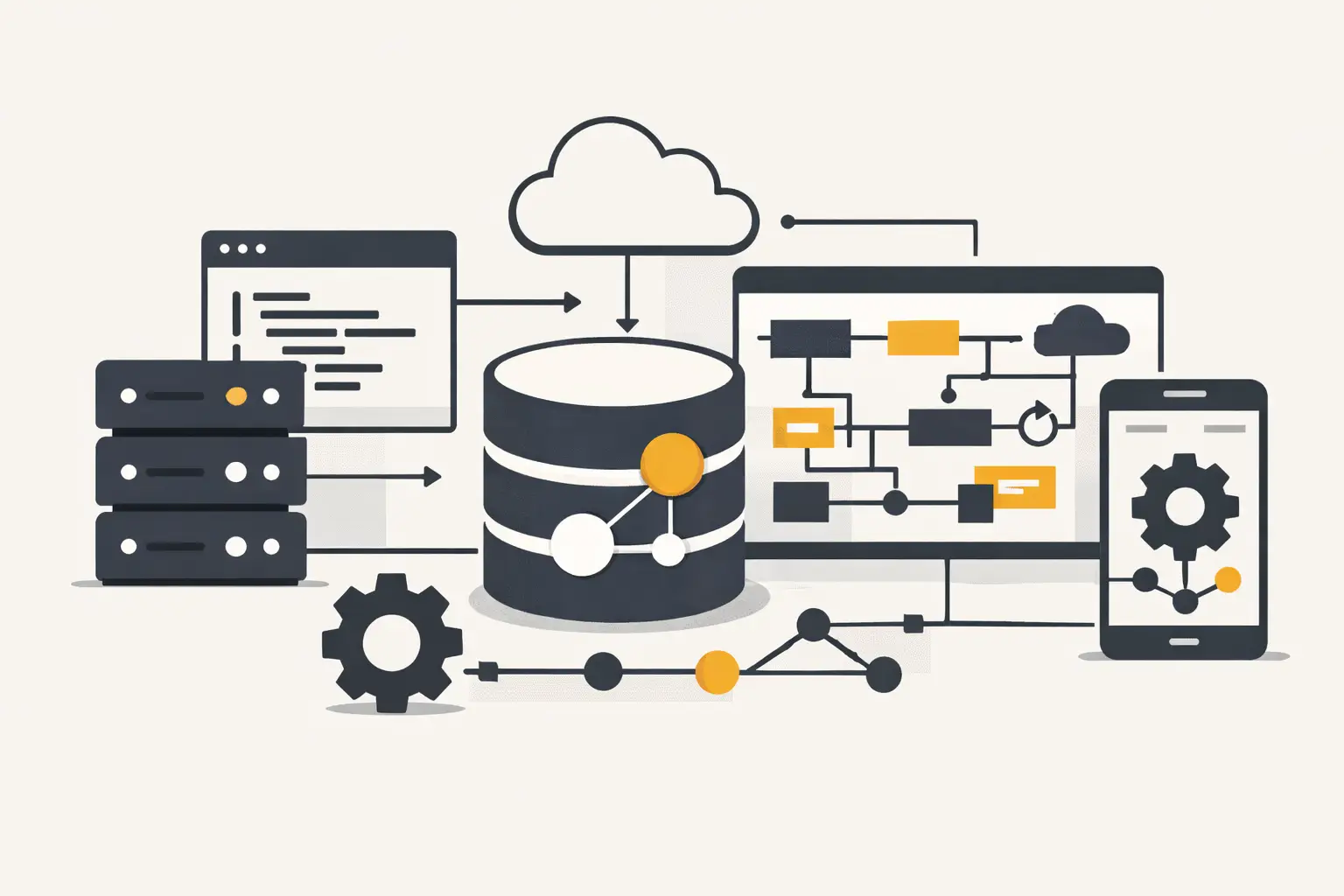
Backend system integration connects the applications that run your business behind the customer-facing website or mobile app. That may include an ecommerce platform, CRM, payment provider, inventory system, accounting software, shipping service, marketing automation platform, or internal database.
The goal is not to connect every tool to every other tool. The goal is to make business processes dependable. When a Shopify or BigCommerce order is placed, for example, the integration may create or update a customer in the CRM, send fulfillment details to a warehouse system, record revenue for reporting, and trigger a post-purchase workflow. Each step needs defined rules for timing, ownership, errors, and updates.
The difference matters. A quick automation can move data once. A production integration needs to handle duplicate events, API limits, missing fields, temporary outages, and changes in third-party platforms. It should also make failures visible before they become a customer service issue.
Start With the Process, Not the API
Many integration projects start with a request such as, "Connect our store to our CRM." That is not enough to design a reliable solution. The useful questions are operational:
What event starts the process? Which system owns the customer record? What happens when an existing customer checks out using a different email address? Does an order need to be sent immediately, or only after payment clears? Who needs to know when a sync fails?
Answering these questions exposes the real workflow. It also prevents a common problem: building an integration that technically works but creates bad records or forces staff to work around it.
A practical discovery process maps the systems involved, the data that moves between them, and the business rules attached to that data. For an ecommerce business, this often includes products, variants, inventory levels, customers, orders, refunds, fulfillment updates, discounts, taxes, and consent preferences. Not every field belongs in every system. Passing unnecessary data increases complexity and can create privacy concerns.
Establish a Source of Truth
Every important record needs an owner. If both a CRM and an ecommerce platform can change a customer phone number, which value wins? If inventory is adjusted in a warehouse system, should the storefront update immediately or on a schedule?
Without clear ownership, integrations can create update loops and conflicting records. A better model is to define a source of truth for each domain. The ecommerce platform may own orders, an ERP may own inventory, and the CRM may own sales activity. Other systems receive the information they need, but they do not all become equal editors of the same record.
This approach makes troubleshooting easier as well. When a number looks wrong in a report, the team knows where to verify the original data instead of checking five platforms.
Choose the Right Integration Pattern
There is no single best architecture for backend system integration. The right choice depends on transaction volume, business risk, budget, the quality of each platform's API, and how likely the workflow is to change.
For a simple, low-volume workflow, a direct integration between two systems can be appropriate. A Laravel application can receive a webhook from Shopify, validate it, transform the data, and send it to a CRM or internal service. This is often easier to maintain than adding a separate automation layer for a process that has only one clear job.
As more systems are added, point-to-point connections can become difficult to manage. If a store, CRM, fulfillment platform, accounting tool, support desk, and marketing system all exchange data directly, a small field change can affect several connections. In that case, a central integration service or internal API can reduce duplication and keep business rules in one place.
Scheduled synchronization also has a place. Real-time updates are useful for order processing, inventory availability, and lead routing. They are less necessary for some reporting tasks or large historical imports. Real-time systems cost more to build and monitor, so the question should be whether the business process truly needs immediate data.
Reliability Is Built Into the Details
The most valuable integration work happens in the parts users never see. APIs fail. Webhooks can arrive more than once. A platform may rate-limit requests during a busy sales event. An employee may change a field manually while a synchronization is running.
A dependable system accounts for these conditions from the beginning. It records external IDs so the same order or customer is not created twice. It uses queues for work that does not need to block a customer action. It retries temporary failures with sensible limits and sends failed jobs to a review process instead of silently dropping them.
Logging should provide more than a vague error message. A team should be able to see what event arrived, which records were affected, what data was sent, the response received, and whether the issue was retried. Sensitive information should be protected, but enough context must remain to diagnose the problem quickly.
For systems built with Laravel and PostgreSQL, queue workers, database transactions, structured logs, and scheduled jobs provide a solid foundation for these safeguards. The technology is not the point by itself. The point is building a process that can recover when external services behave unpredictably.
Security and Access Need Deliberate Design
Integrations often handle customer contact details, order values, payment-related status information, and internal operational data. Access should follow the principle of least privilege. An integration should have only the permissions it needs, not broad administrator access because it was faster to configure.
Credentials need to be stored outside source code, rotated when appropriate, and separated by environment. Development and staging systems should not accidentally send test orders into production fulfillment workflows. For regulated or sensitive data, retention rules and audit needs should be considered before records are copied into another system.
Common Use Cases for Growing Businesses
Ecommerce teams often need storefront, inventory, fulfillment, and customer systems to stay aligned. A custom integration can route paid orders to the right warehouse, update tracking details after shipment, and keep customer service informed without requiring employees to copy order data between screens.
Marketing agencies may need GoHighLevel connected to lead forms, ad platforms, calendars, client portals, or proprietary reporting tools. The challenge is usually not sending a lead into a pipeline. It is preventing duplicates, preserving attribution, applying the correct tags, and ensuring follow-up rules reflect how the client actually sells.
For service businesses, integrations commonly connect a website or mobile app to a CRM, scheduling system, payment processor, and internal dashboard. A qualified inquiry can be assigned based on location, service type, or availability, while the operations team sees the same status the prospect receives.
Platform migrations are another high-risk case. Moving from WordPress or an older ecommerce system to Shopify, BigCommerce, or a custom application requires more than importing products. Customer records, order history, redirects, subscription details, and connected workflows need a migration plan. The backend connections should be tested before launch, not discovered after customers begin placing orders.
How to Keep Integrations Maintainable
An integration is not finished when the first records move successfully. Third-party APIs change, business rules evolve, and new tools are added. Maintainability depends on treating integration code as part of the product, not as a hidden one-off script.
Keep transformation rules explicit. If a storefront status of "paid" maps to a specific internal fulfillment state, document that mapping in the code and project documentation. Avoid burying business logic in several unrelated automations. Version changes carefully, especially when modifying payload formats or customer matching rules.
Monitoring also deserves an owner. A dashboard or alert should identify failed syncs, delayed jobs, and unusual error rates. The right alert level depends on the workflow. A delayed nightly reporting sync may wait until morning. A failed order-to-fulfillment event may require action within minutes.
Before approving a project, define measurable outcomes. That could mean reducing manual order entry by 80 percent, routing new leads within two minutes, eliminating inventory oversells, or cutting weekly reconciliation time from ten hours to one. These goals guide technical decisions and make it clear whether the investment is working.
The best integration is rarely the one with the most connections. It is the one that gives your team trustworthy information, removes avoidable manual work, and remains understandable when your business changes next year.
Frequently Asked Questions
- It's the connection of applications that run a business behind the customer-facing site or app — ecommerce platforms, CRMs, payment providers, inventory systems, accounting software, and marketing tools — so data like orders, customers, and inventory moves between them accurately and reliably.
- Because it doesn't answer the operational questions that determine reliability: what event starts the process, which system owns the customer record, what happens with duplicate checkout emails, or who gets notified when a sync fails. Skipping these questions often produces an integration that technically works but creates bad records.
- It means assigning one system as the owner of each type of record — for example, the ecommerce platform owns orders, an ERP owns inventory, a CRM owns sales activity. Without this, multiple systems editing the same record can create conflicting data and update loops.
- A direct integration between two systems works well for a simple, low-volume workflow with one clear job. As more systems get connected, point-to-point connections become harder to manage — a central integration service or internal API reduces duplication and keeps business rules in one place.
- No. Real-time updates matter for order processing, inventory availability, and lead routing, but are less necessary for reporting tasks or historical imports. Real-time systems cost more to build and monitor, so the decision should be based on whether the business process actually needs immediate data.
- By recording external IDs to prevent duplicate records, using queues for non-blocking work, retrying temporary failures with sensible limits, and routing failed jobs to a review process instead of silently dropping them. Logging should capture enough context — the event, affected records, and response — to diagnose issues quickly.
- Following least-privilege access so an integration only has the permissions it actually needs, storing credentials outside source code, rotating them regularly, and keeping development/staging environments separate from production to avoid test data reaching real workflows.
- By defining measurable outcomes before starting — like reducing manual order entry by 80%, routing new leads within two minutes, eliminating inventory oversells, or cutting weekly reconciliation time significantly. These goals should guide technical decisions, not just whether data technically moves.


